The v10.x FlowWright installer lets you select the installation type, as shown below.
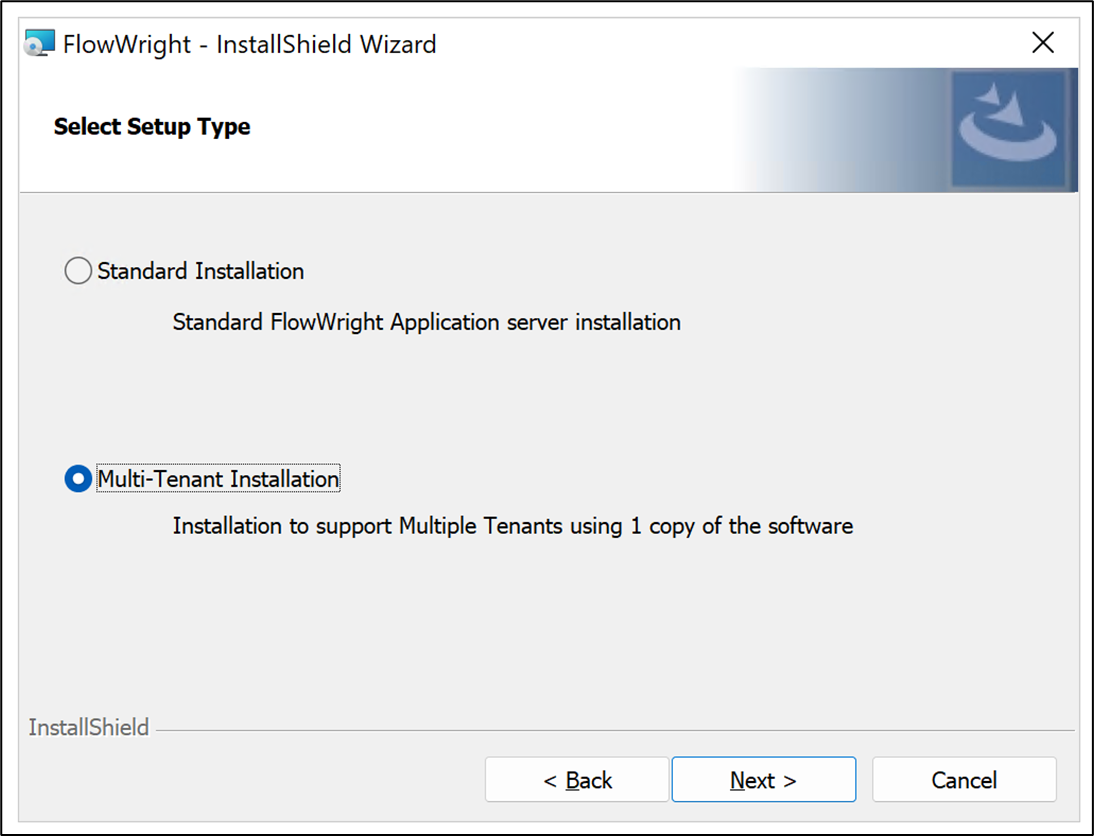
If you select "Multi-Tenant Installation," FlowWright will be installed using the property's multi-tenant configuration.
If you installed it as a "Standard Installation," you can still convert it to a multi-tenant environment by following the steps below. Navigate to the directory:
C:\FlowWright
Locate and open the file "appSettings.json" using Notepad or any other text editor. The file contents should look like the following:

Modifying the 'IsMultiTenant' value to 'true' in the configuration settings above is straightforward. See the example below:
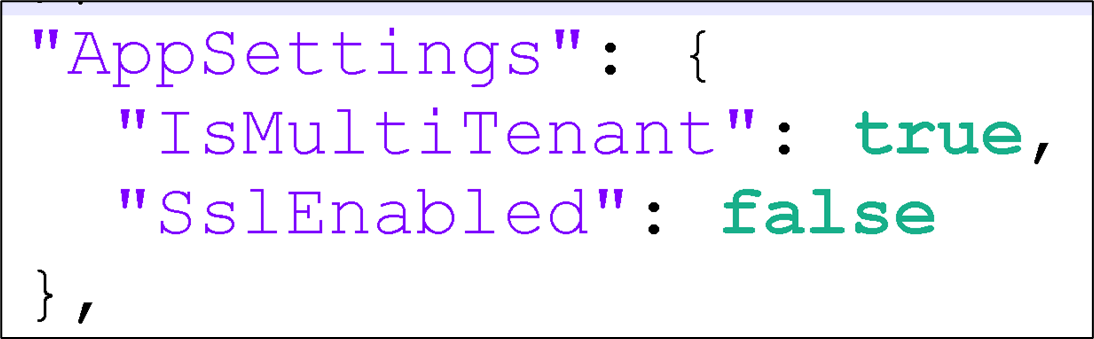
Once you've made the change and saved the file, you're all set! You now have access to the FlowWright Tenant Manager.