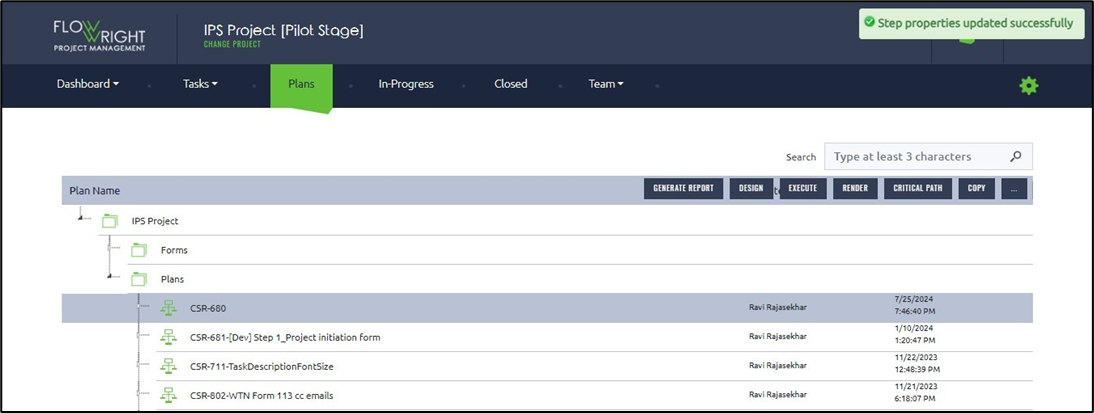
A plan may include many process steps, such as tasks, emails, and synchronizations. If all task steps require a common change, it can be made in the process designer. Updating each one individually would be cumbersome.
Select a plan, then click on the Export or Import Properties menu option.
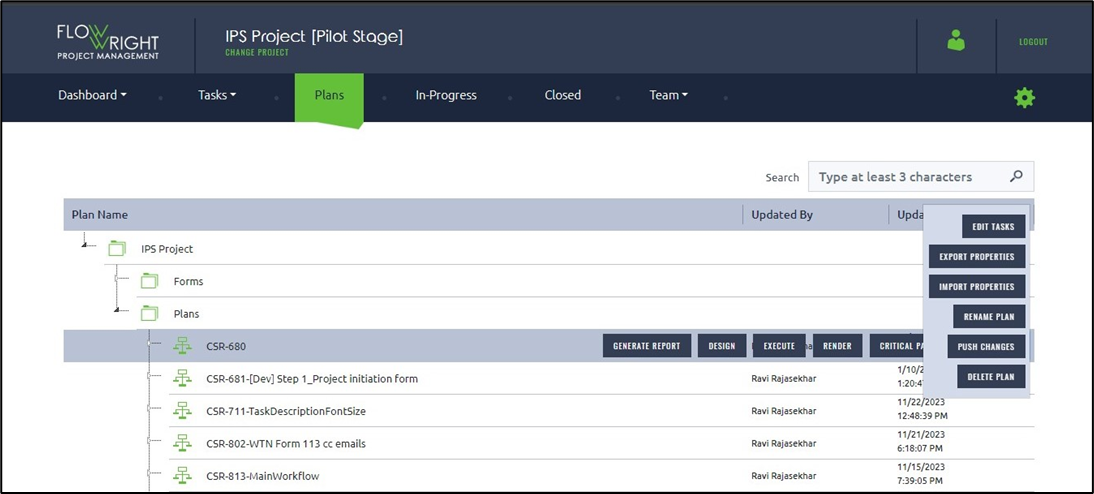
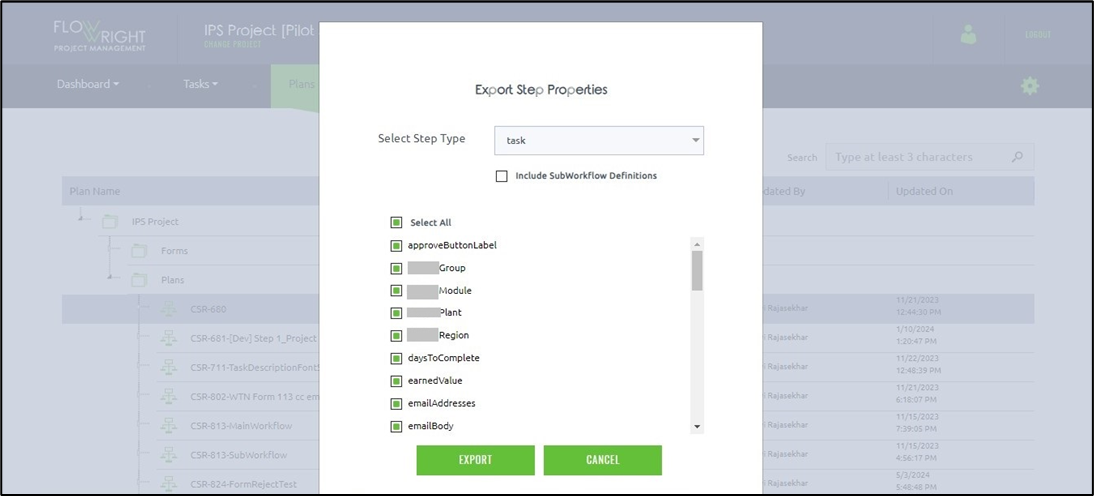
Instead, the tasks and their properties can be easily exported in Excel format, modified using Excel, and imported back. To export the plan steps, use the following UI: select the step type from the drop-down list. The step properties are listed with checkboxes below. Again, select the necessary step properties by using the checkboxes. Click the Export button when ready to export to an Excel file.
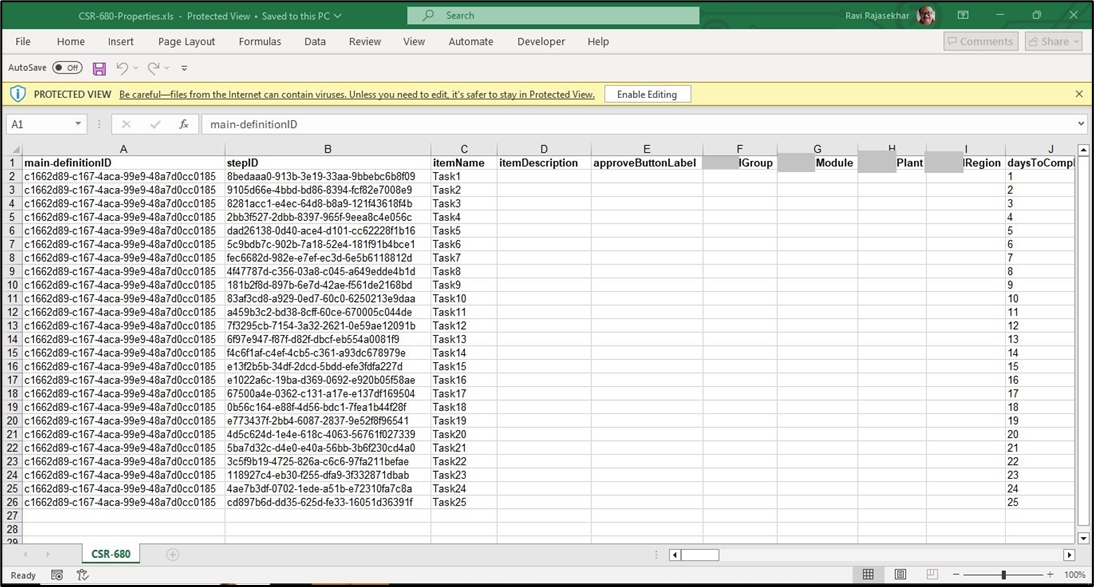
The Excel extract is provided here for you to review.
Import the updated plan steps using the easy-to-use import UI.
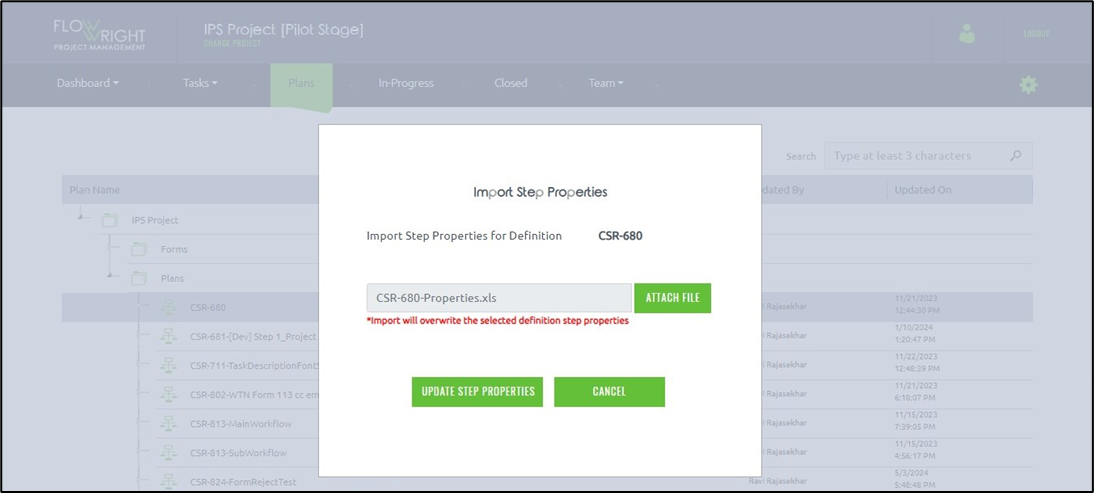
A confirmation message appears in the top-right corner as shown below.