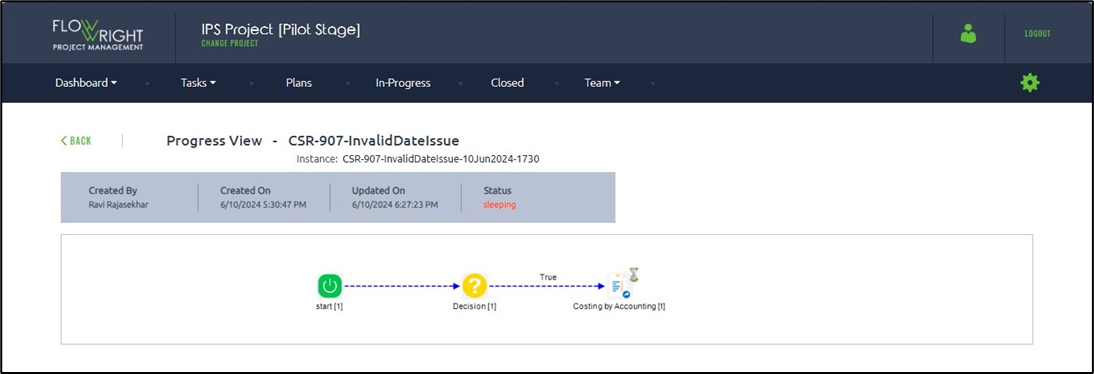
The progress view will show a graphic that displays steps according to the execution order.
Expand the In-progress Plans folder to see the list of existing plans. Click on a plan row to access other functions, such as Generate Report, Design, Execute, Render, Critical Path, and Copy.
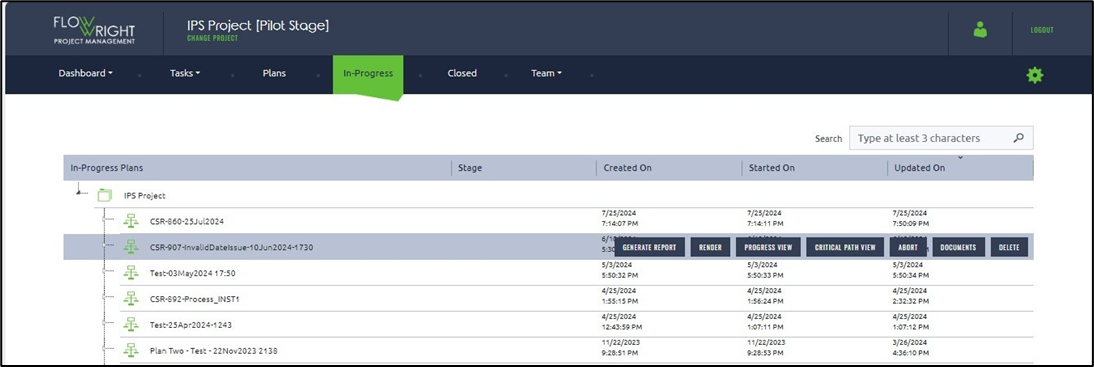
Choose a plan and select the Progress View menu option.
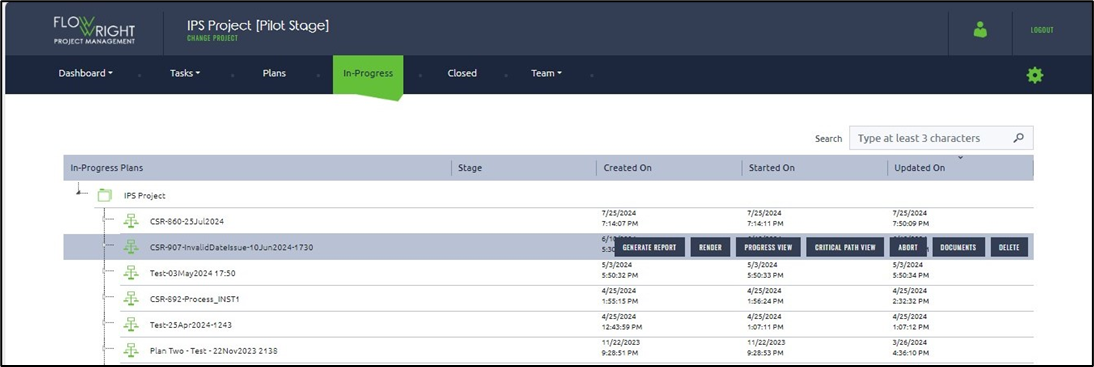
The page shows the steps in execution order as a graphic.