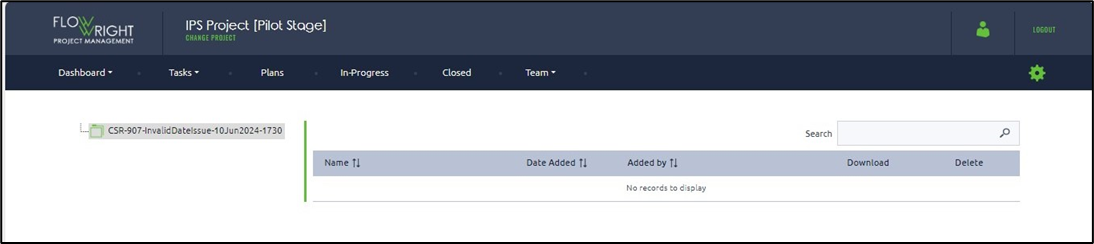
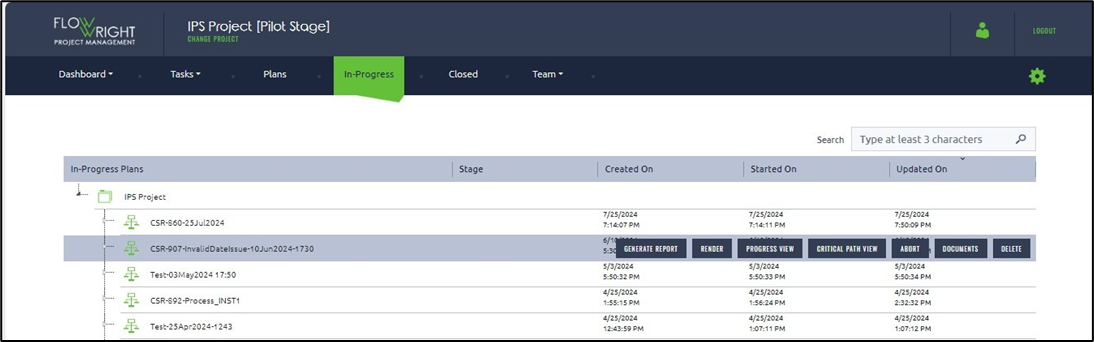
The Documents button on an In Progress plan will display file attachments uploaded to tasks.
Select an In-progress plan and click the Documents button.
The documents page appears as shown below. Any documents uploaded during the Task step are visible in the table.