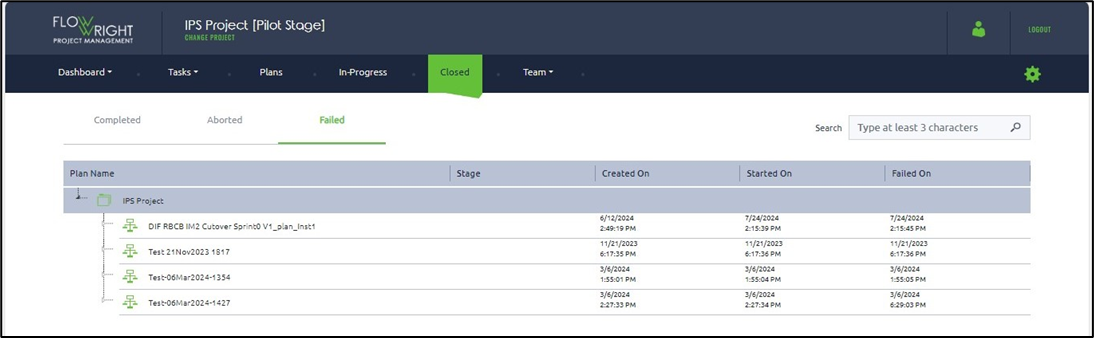
Once an InProgress plan completes execution, it is moved to the Closed Plans section of the application. You can manage the plan within this section.
Select the Closed tab to view the Plans that are closed for the selected project. The closed plans are organised by their status in the Completed, Aborted, and Failed tabs.
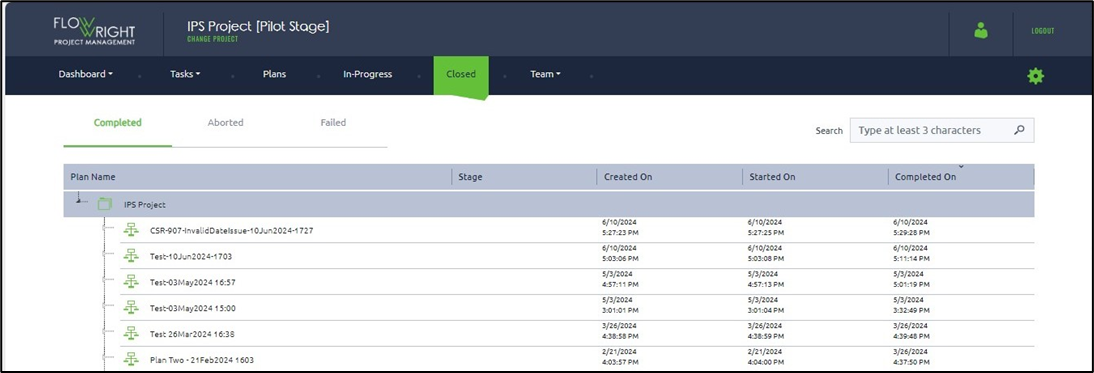
Select Completed Plans. You can click on the column headers to sort the list by Created On, Started On, and Completed On dates.
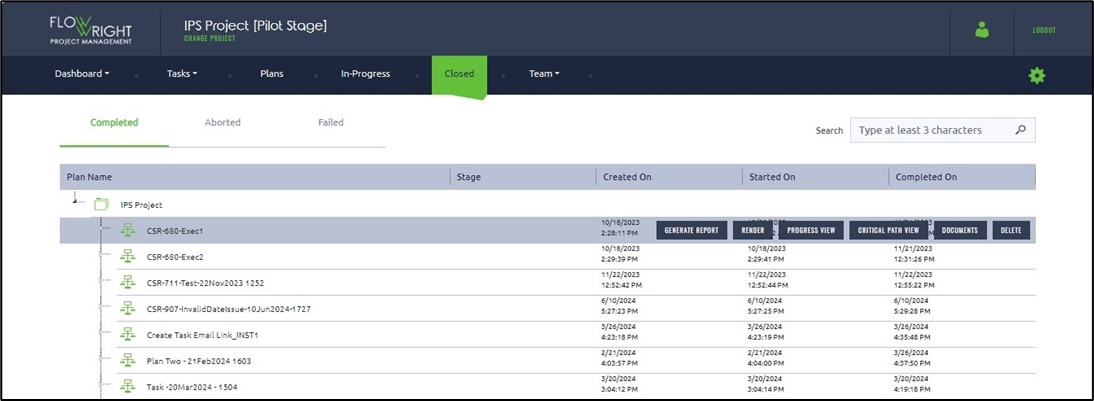
Select a plan from the list to access functionalities such as Generate Report, Render, Progress View, Critical Path View, Documents, and Delete.
Here is the list of closed plans by their Aborted status for reference.
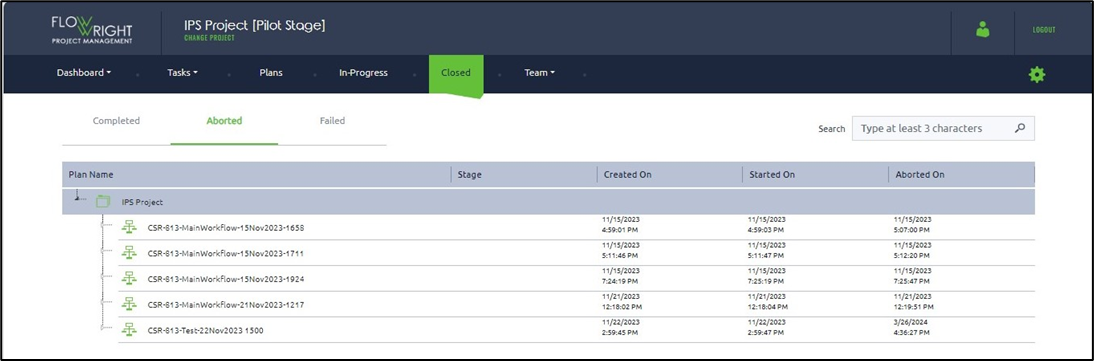
Here is the list of closed plans by their Aborted status for reference.