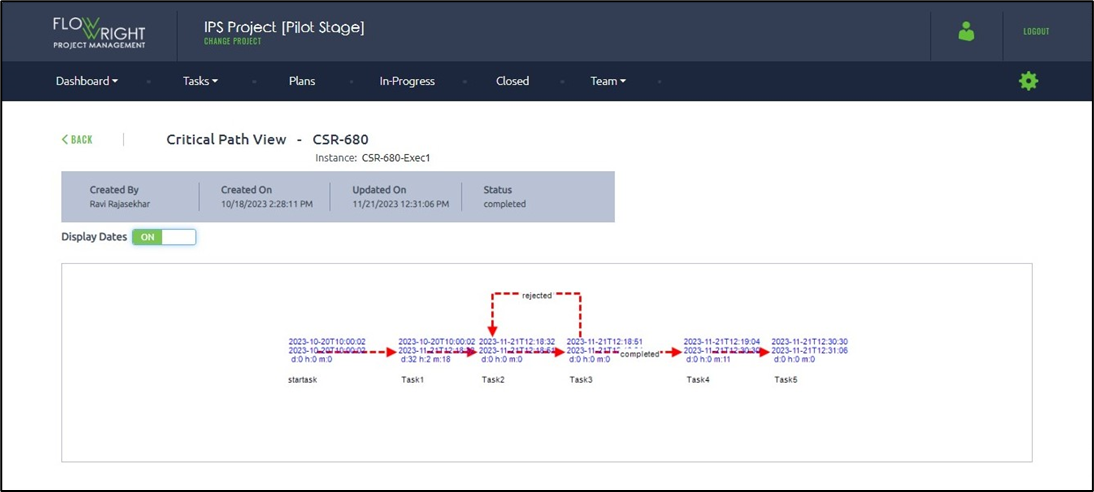
A critical path can be rendered for a closed plan; it is computed based on runtime and configuration data.
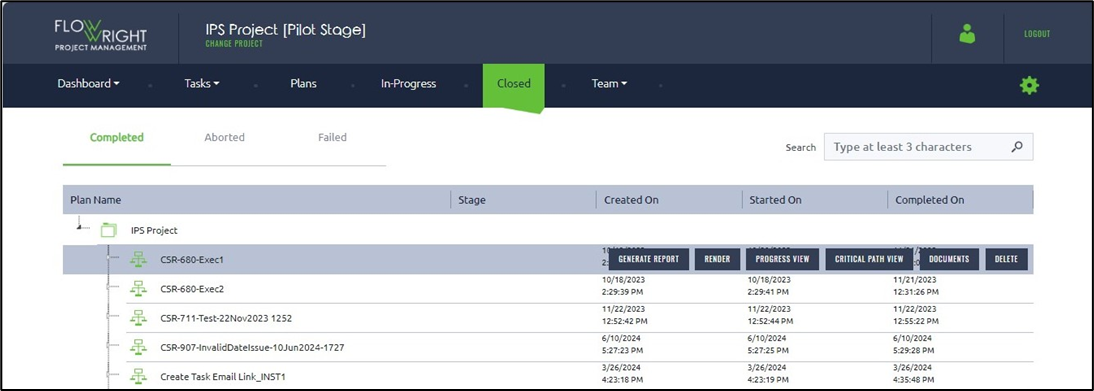
Choose a Closed Plan and select the Critical Path View button.
The critical path view is displayed based on the configured task durations. The critical path, shown in red, indicates the longest route from Start to Finish within the workflow.
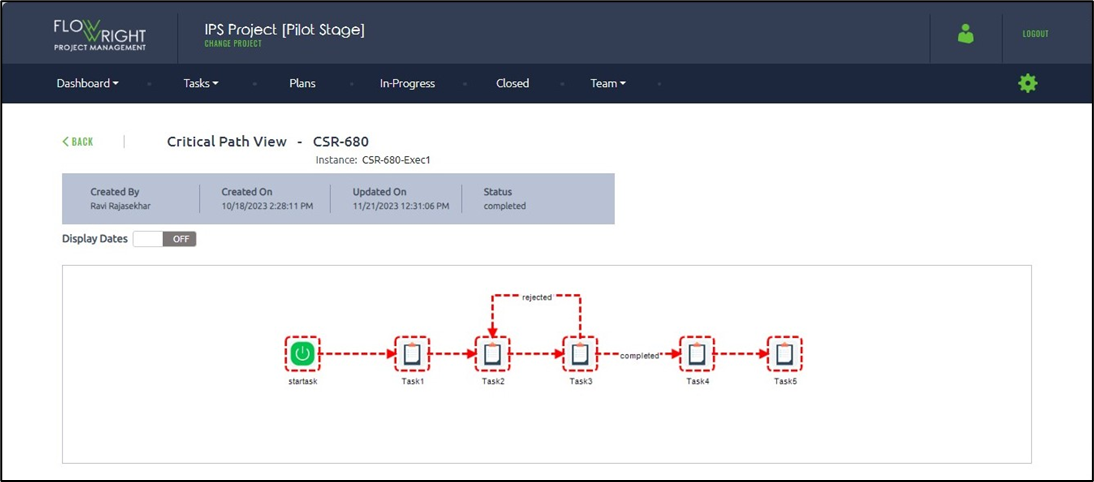
Use the Display Dates button to toggle the date and time information.