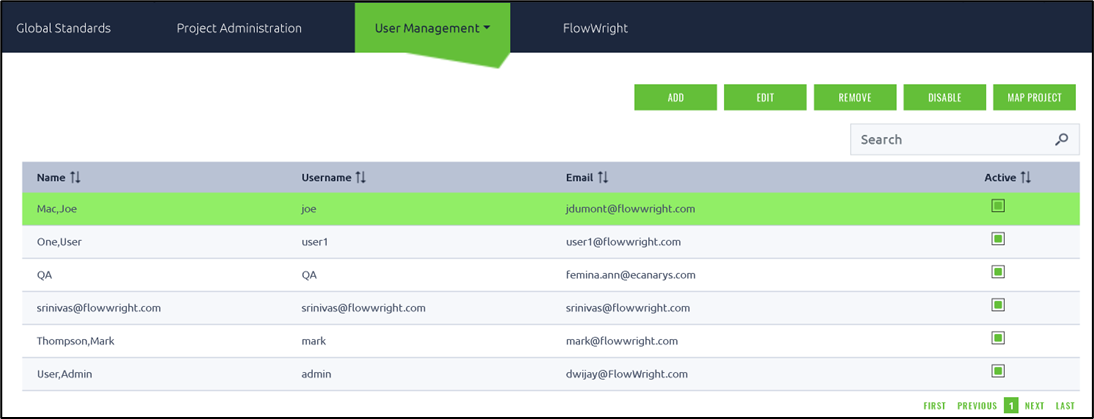
On the User's Management page, choose the user from the table and click the Remove button.
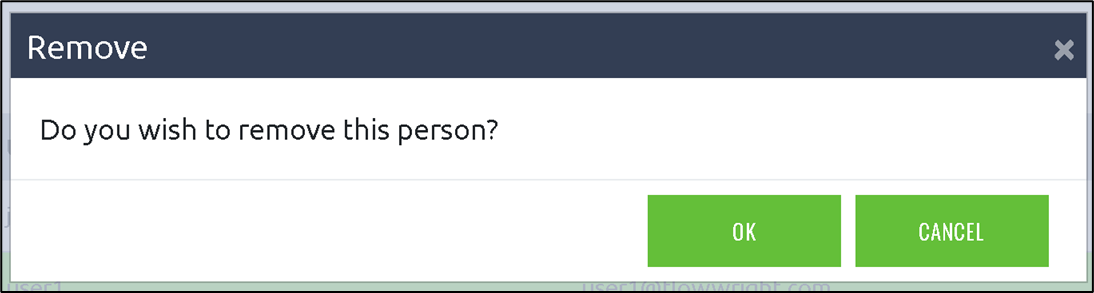
A confirmation pop-up appears. Click OK to confirm. The selected user will be removed from the FlowWrightPM system.
Remove an user from the FlowWrightPM.
On the User's Management page, choose the user from the table and click the Remove button.
A confirmation pop-up appears. Click OK to confirm. The selected user will be removed from the FlowWrightPM system.