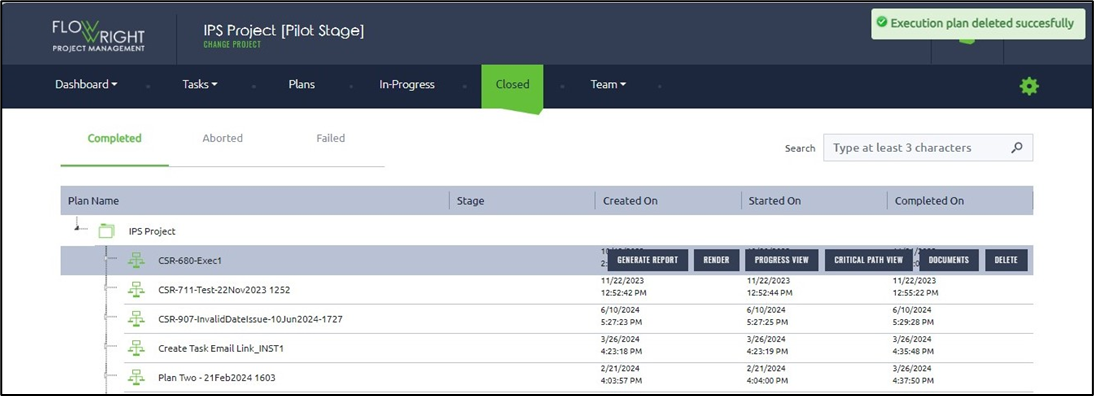
Closed plans can be removed from execution using the Delete button on the plan.
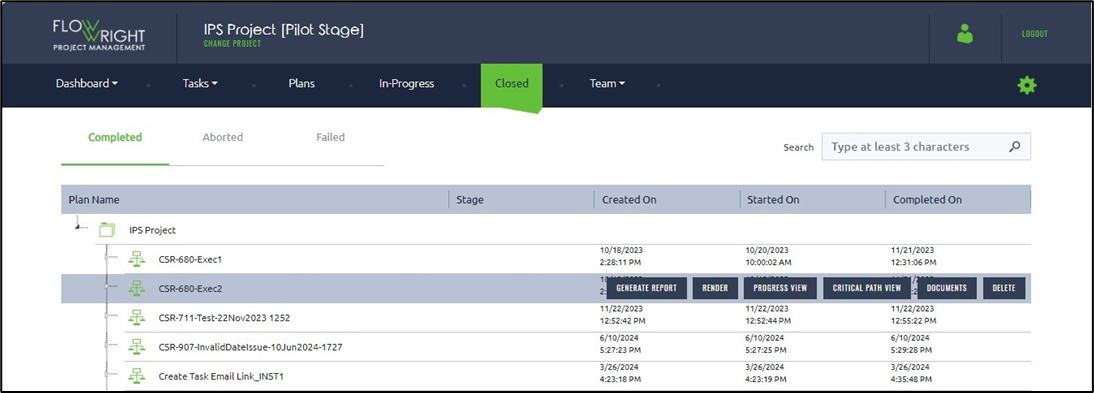
Choose a Closed Plan and click the Delete button.
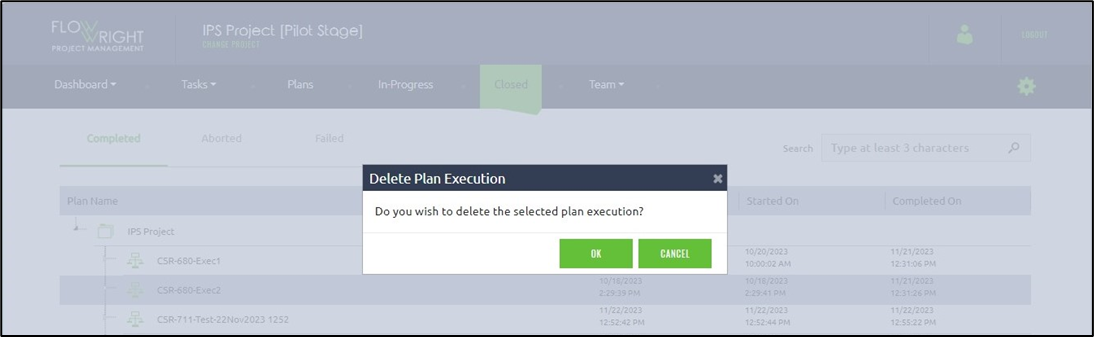
A confirmation popup appears. Click OK to proceed.
The Closed Plan has been permanently removed from the list, and a confirmation message appears in the top right corner.