This function allows Admins to import users into the FlowWright system.
Navigate to the Administration - User Management page.

Select the "Import > CSV" or "XLS" menu option.

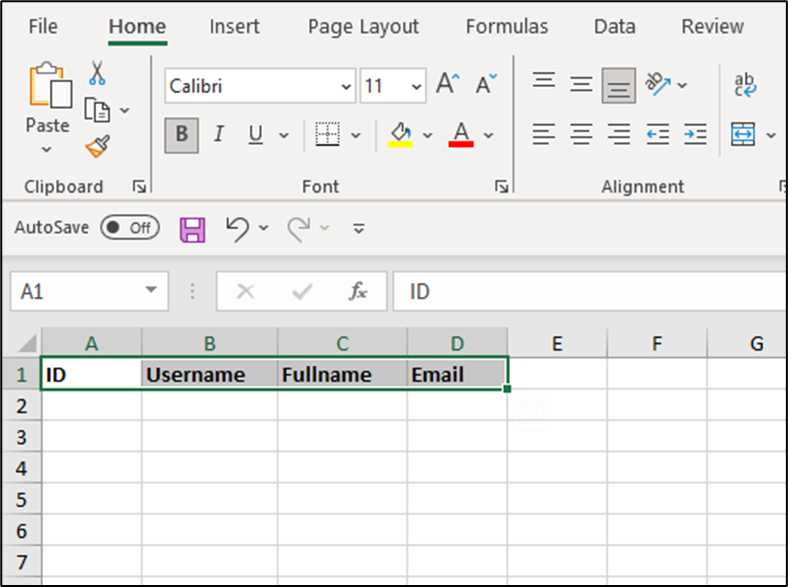
Use the “Get Template” button to download a sample template file, as shown below.

Enter the data, then import the file to add new users to the FlowWright system.
Admin Users can easily import data from CSV or Excel files. Select the file from the local folder, then click “Import”. The system imports user details into the FlowWright database, and a notification appears in the top-right corner. Note: The FlowWright system sends a login link to new users via email. New users should log in to reset their password for form-based authentication.
