Microservice administration across MultiTenant
The MultiTenant function in the Tenant Manager's environment facilitates the management of Microservices across tenants.
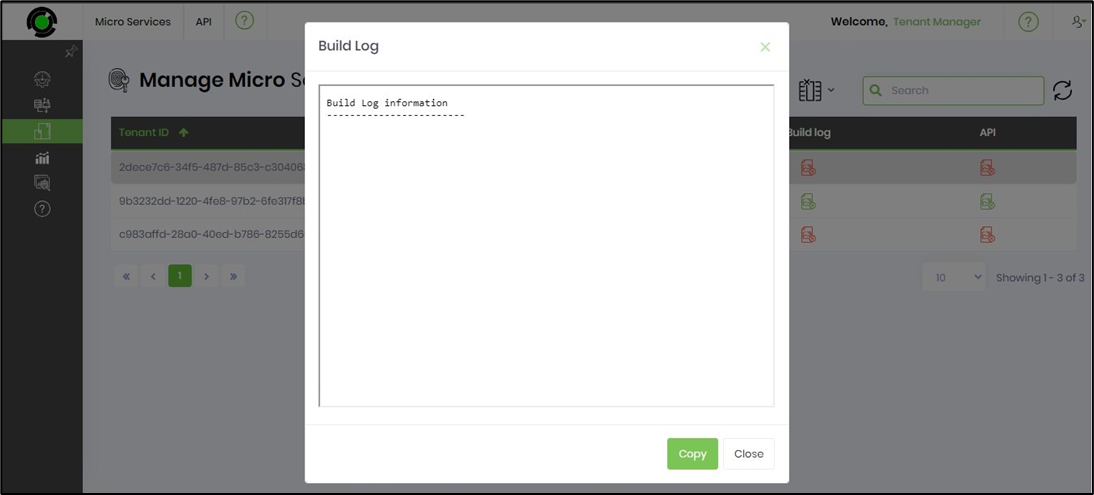
Navigate to the Administration - Microservices page to view the following UI. Click the API menu option on this page to view the functions below. Here, the selected Microservices are sent to specific or all Tenants.
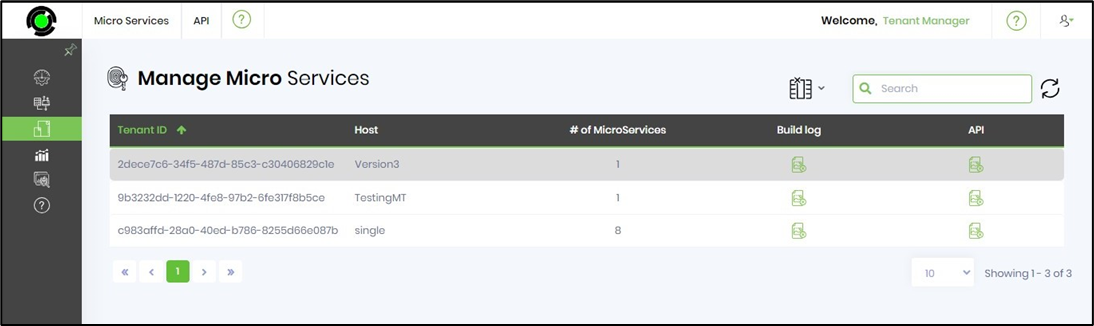
Build - All / Selected Tenants.
Select the Microservice from the table, then click the API —Build—Selected Tenants menu option. Note: Select All Tenants when necessary.
A configuration pop-up window is displayed. Select the Tenant from the drop-down list. Click the Send button to initiate the transfer, then click OK to confirm. The Microservice is built for the target Tenant environment, and a confirmation message appears in the top-right corner of the page.
Build Log.
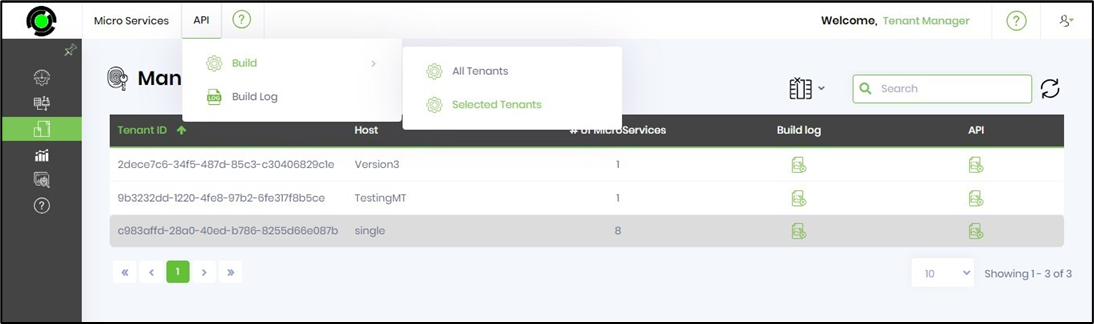
Select the API —Build Log menu option.
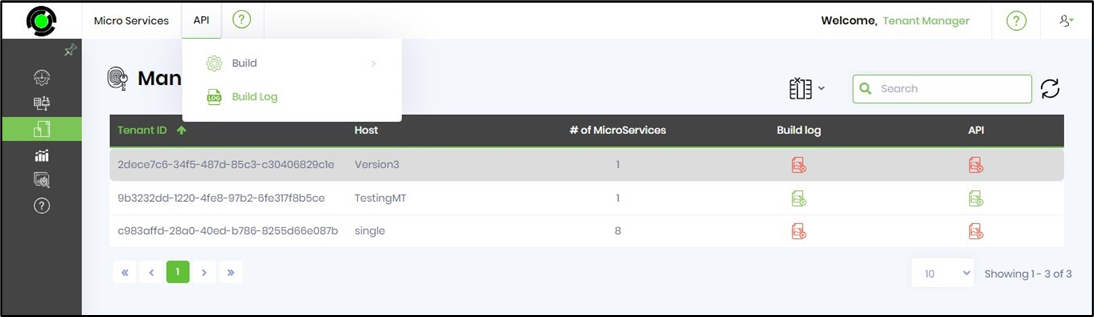
A pop-up window displays the build log information as shown below.