Description:
This widget fetches all open tasks for the chosen process definition.
Design:
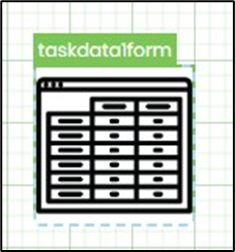
Example:
Let’s build and execute the “TaskDataDef” example.
- Create a Form Definition called “TaskDataDef.”
- Drag a “BootstrapGrid, TaskData, Submit” control onto the canvas and position them as shown below.

- Double-click the “TaskData” widget to set up the “Settings” properties. Enter a name for the control. Choose the process definition from the drop-down list. Then click the Save button.

- Save the Form Definition. Choose Actions > Create Form Instance from the menu. Generate a new Form Instance, then check the box to edit this Form Instance.

- The Form is displayed to the user below. The page shows all open tasks from the process definition.

Definition Sample:
You may download and extract the sample definition(s) from the link provided and later import them (drag-and-drop) into your FlowWright Process Definition (XML file) or Form Definition (HTML file) page.
Note: Please verify and complete the process steps for any missing configurations, such as file path references and database connections, after the import. Then, save the definition to confirm the changes.
Click here to download the sample file.