The function displays the successful logins of users to the system.
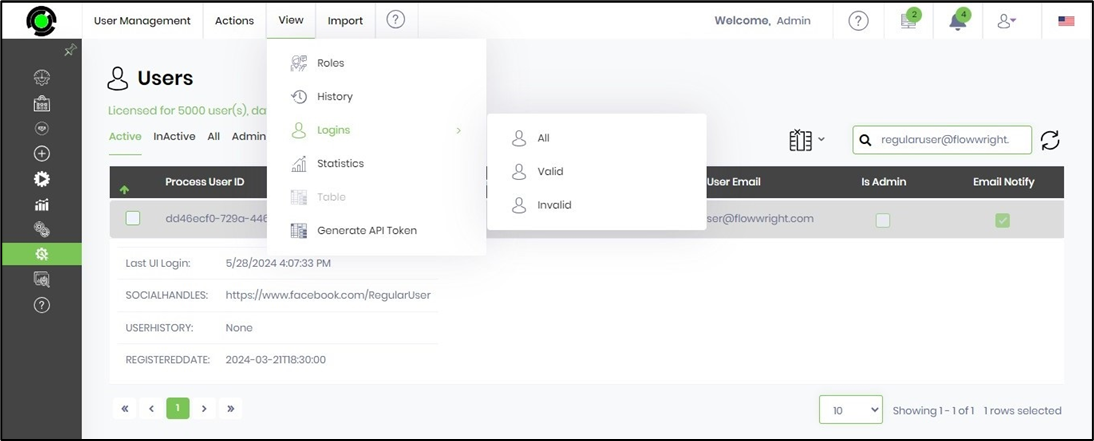
You must navigate to the Administration - User Management page.

Select the user's account from the table and click the “View - Logins” menu option. Choose the All, Valid, or Invalid menu option.
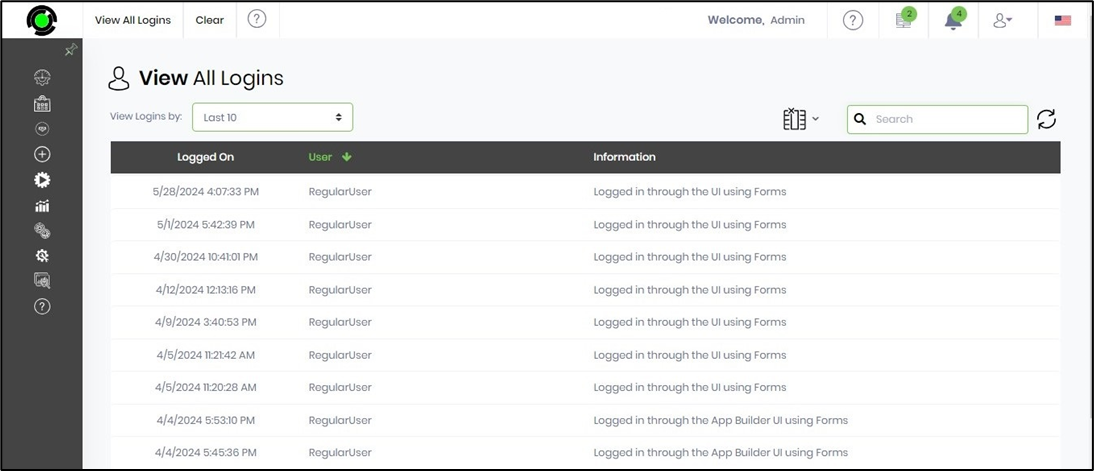
A list of user logins (for the 'All' option) is included below for reference.
You can use the drop-down list to filter the results.
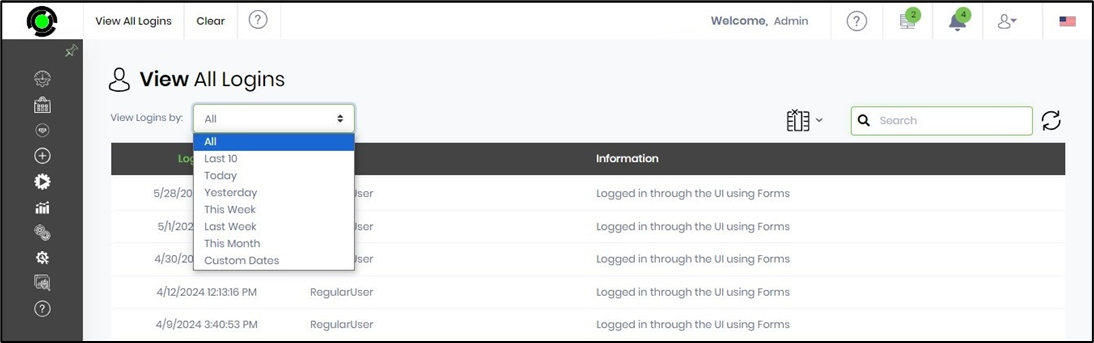
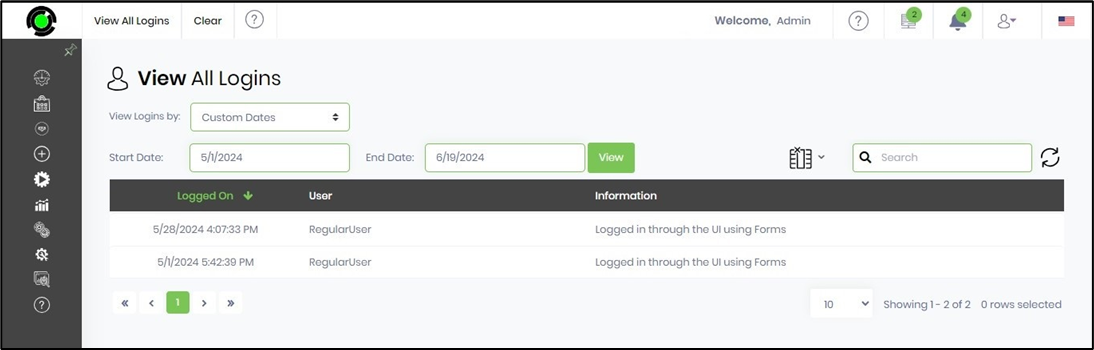
A list of user logins (for the 'All' option with Custom date filters) is included below for reference.
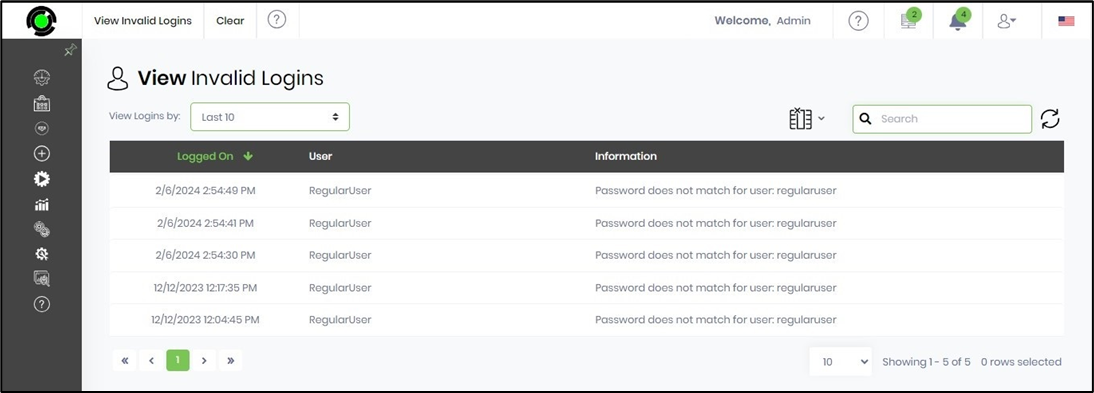
A list of invalid user logins is included below for reference.