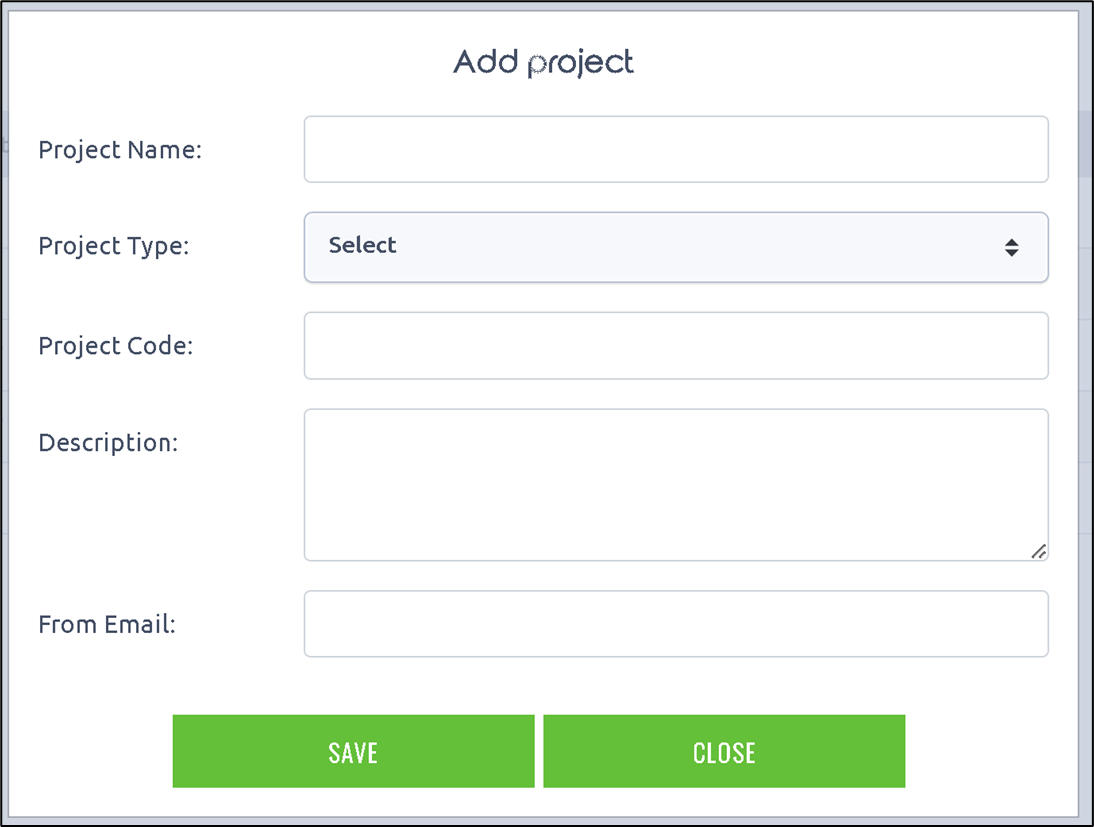
A new project can be created through this dialog.
You need to provide the project name. Select the project type from the drop-down list. Enter the project code, description, and the From email address. Click on the Save button to confirm. The new project is created and added to the existing list.